

One platform to manage your branded benefit currency
Ecoo connects the people using your currency, the businesses accepting it, and the team managing the program. It combines digital wallets, spending controls, payment records, communication, and reporting.
The platform is white-label: the service can carry your name, design, and messages. You set the program's purpose, funding, and rules. We agree on the required functions, connections, and operating responsibilities with you.
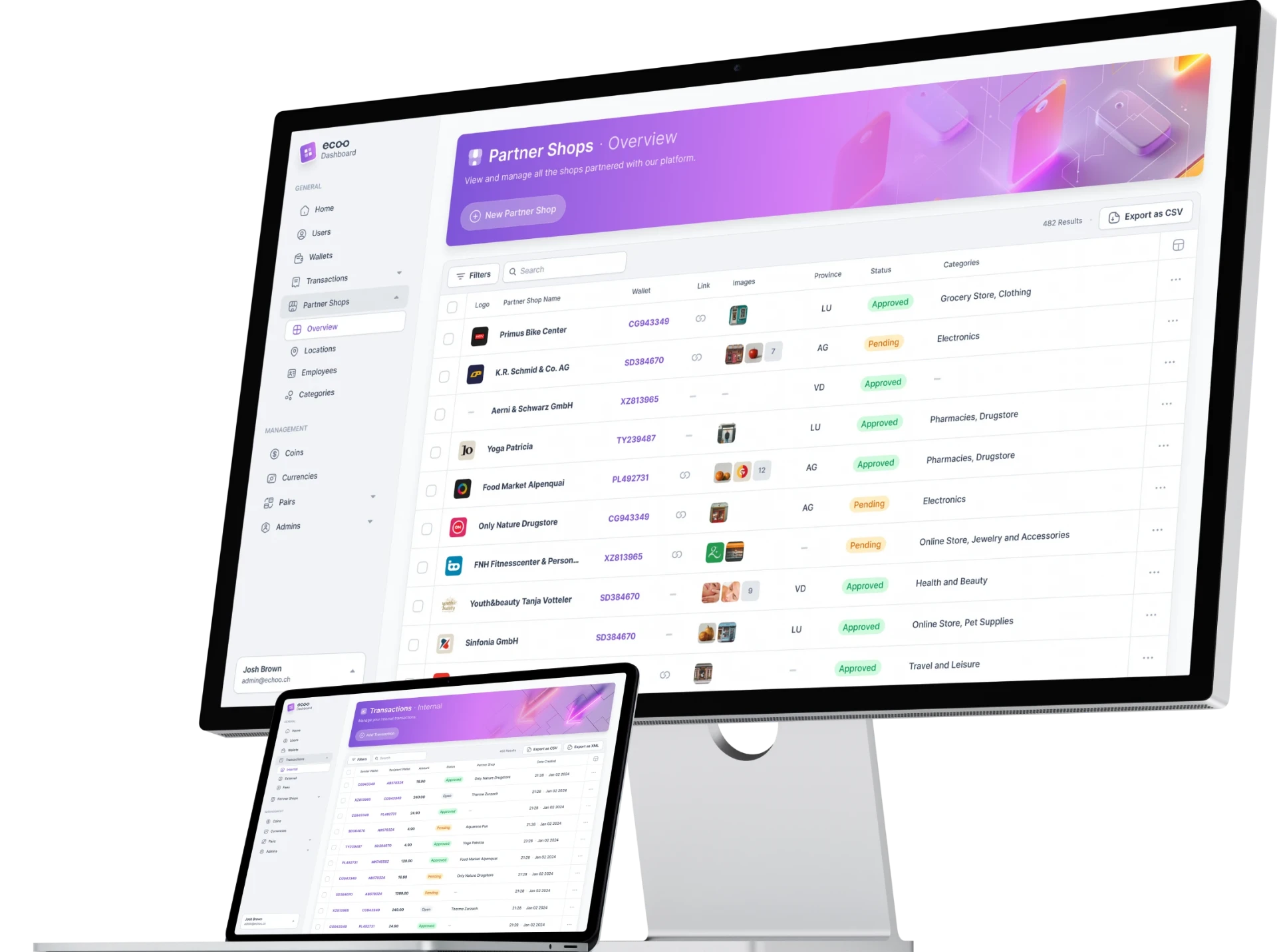
A digital wallet under your brand
The digital wallet is a participant's account for viewing and using the program's credit. Participants see the amount available and their transaction history, find participating businesses, and pay. The service can use your logo, colors, wording, and selected languages.
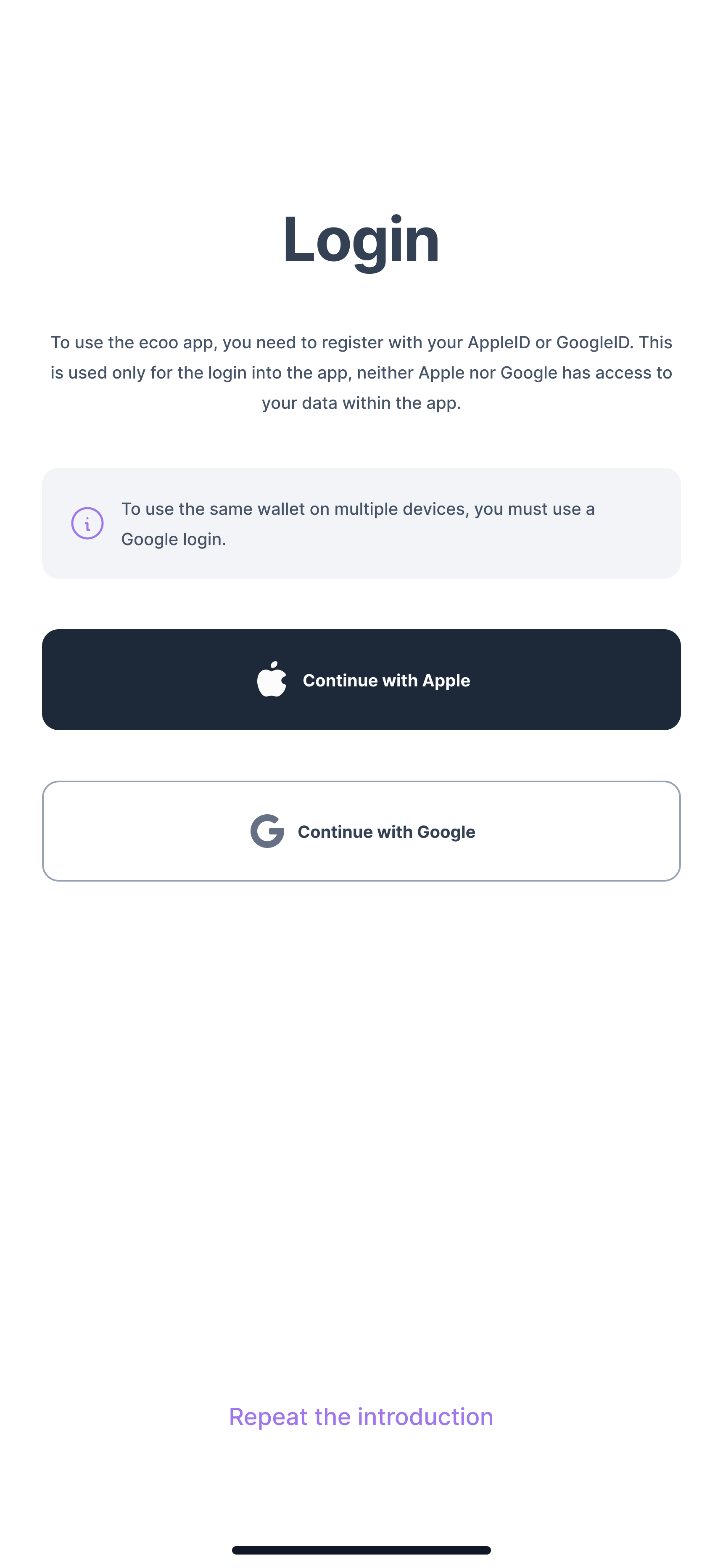
Registration can include account creation, email verification, consent, and checks that a person qualifies. Account status controls whether someone can receive, purchase, or spend credit. Where purchases are included, participants can choose from defined credit packages and complete checkout within the program's purchase limits. The service confirms the purchase.
The wallet is used within your program's approved network. It is not a general-purpose bank account or payment card, and participants do not have general cash-withdrawal access.
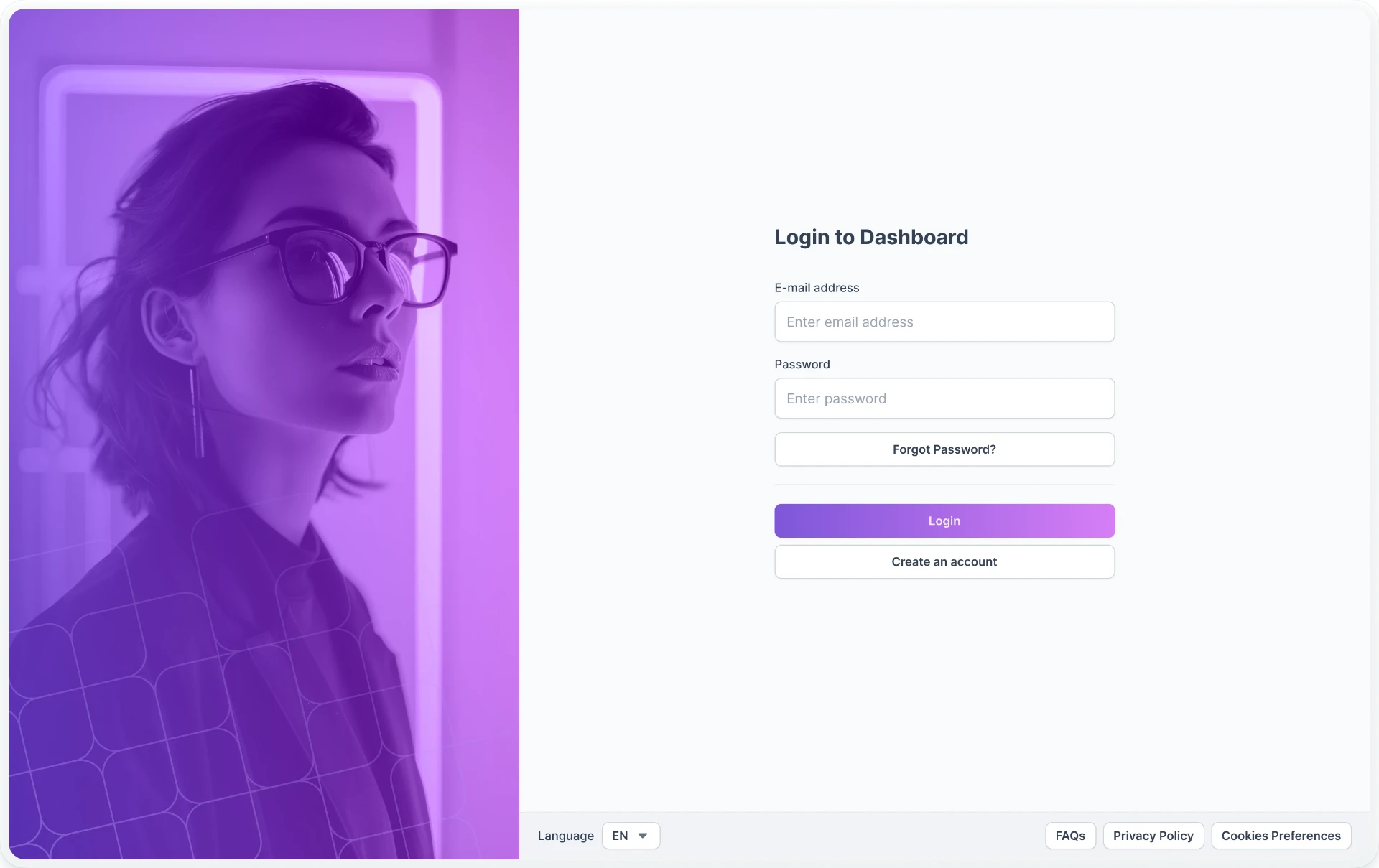
Set the rules for issuing and spending credit
Define who qualifies, how credit is funded, where it is accepted, and when it expires. Set limits on purchases, spending, and the amount held in a wallet. Controls apply when a transaction is processed, not only to the options shown on screen.
Where included, separate balances can retain their own funding sources, rules, and expiration dates. Payment priorities determine which eligible balance is used first, with a record of each funding source's contribution. Refunds, adjustments, and unused credit follow the agreed program rules.
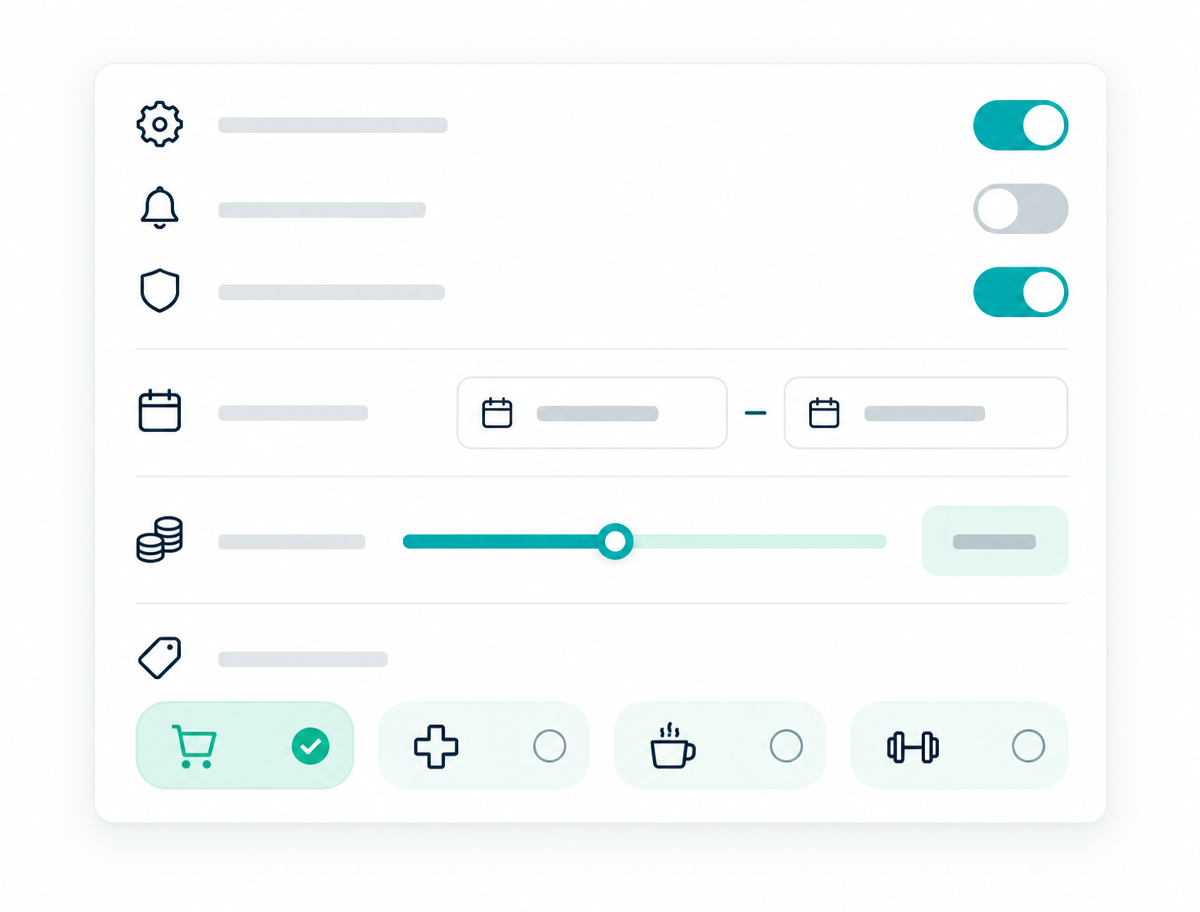
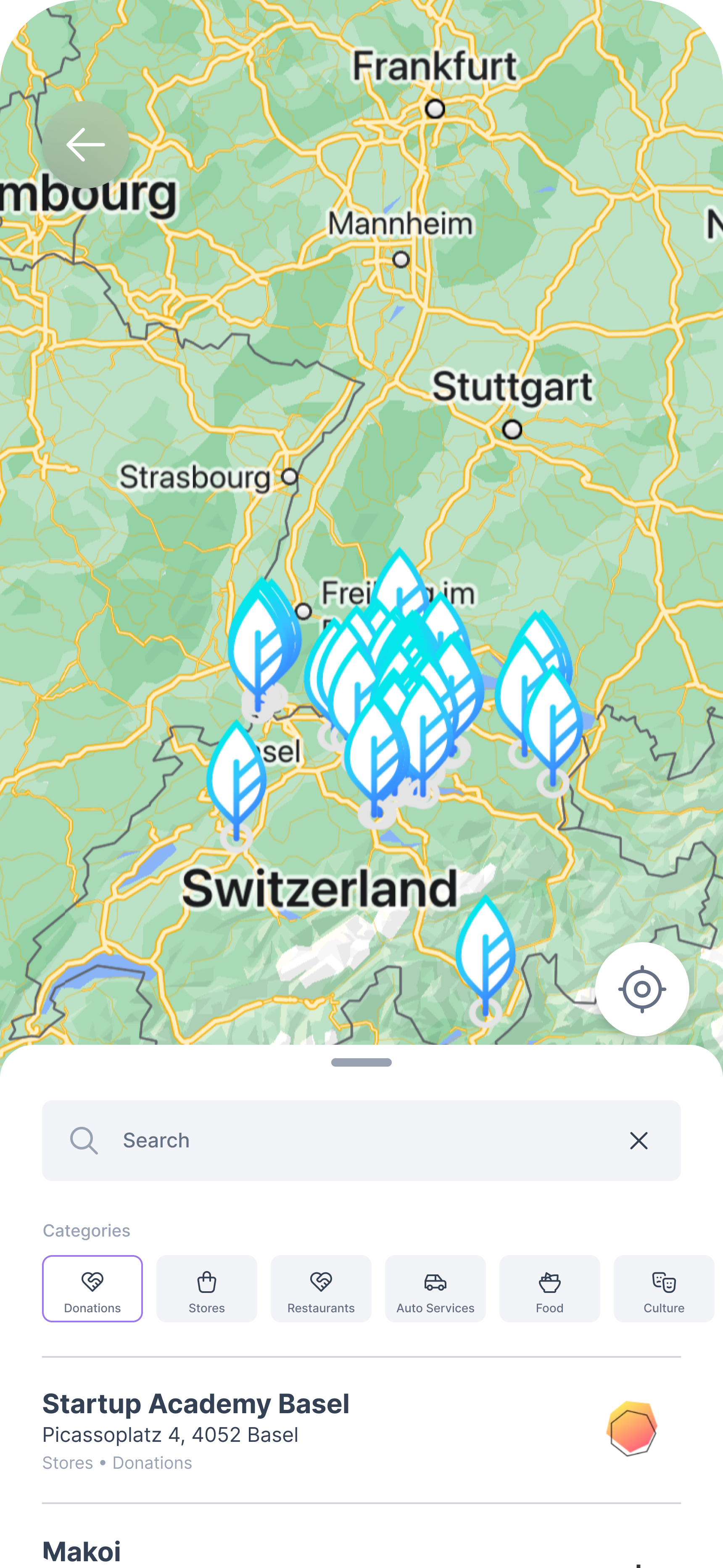
Manage your participating business network
Participants can find businesses through a map or list, with search, categories, and regional filters. Business profiles can include offers, images, contact details, website links, and directions.
Approved businesses and individual locations are connected to the correct accounts. Businesses can request and accept payments, check confirmations, and review transactions. Location and account status controls also support businesses with several sites.
We confirm who is responsible for recruiting, approving, contracting with, setting up, and supporting participating businesses. A ready-made network is not automatically included.
Run campaigns linked to your currency
Create messages with text and images, prepare language versions, select an audience, preview the content, and schedule delivery. Messages can appear in the service or through configured push notifications.
Audience selection can use permitted information such as language, region, customer status, available credit, and previous activity. Groups can be selected directly or updated automatically through agreed filters. Use messages to introduce participating businesses, explain an offer, or remind people about expiring credit.
Where measurement is configured, reports can connect delivery and clicks with subsequent use of the program. Channels, audience data, and reporting follow the agreed privacy setup.
Handle payments and settlement records
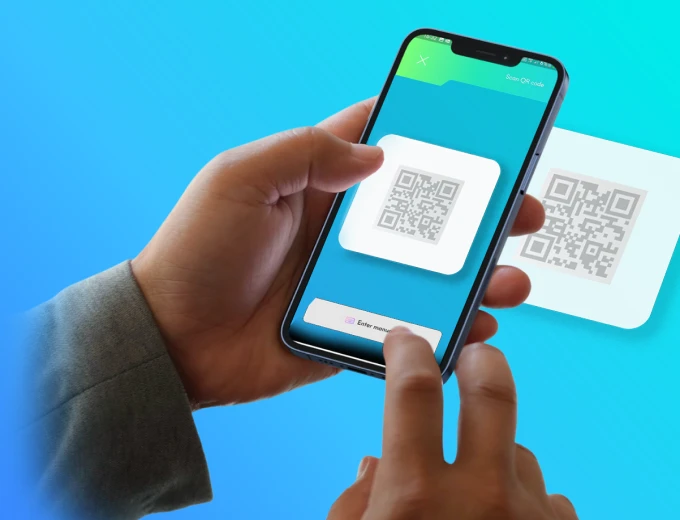
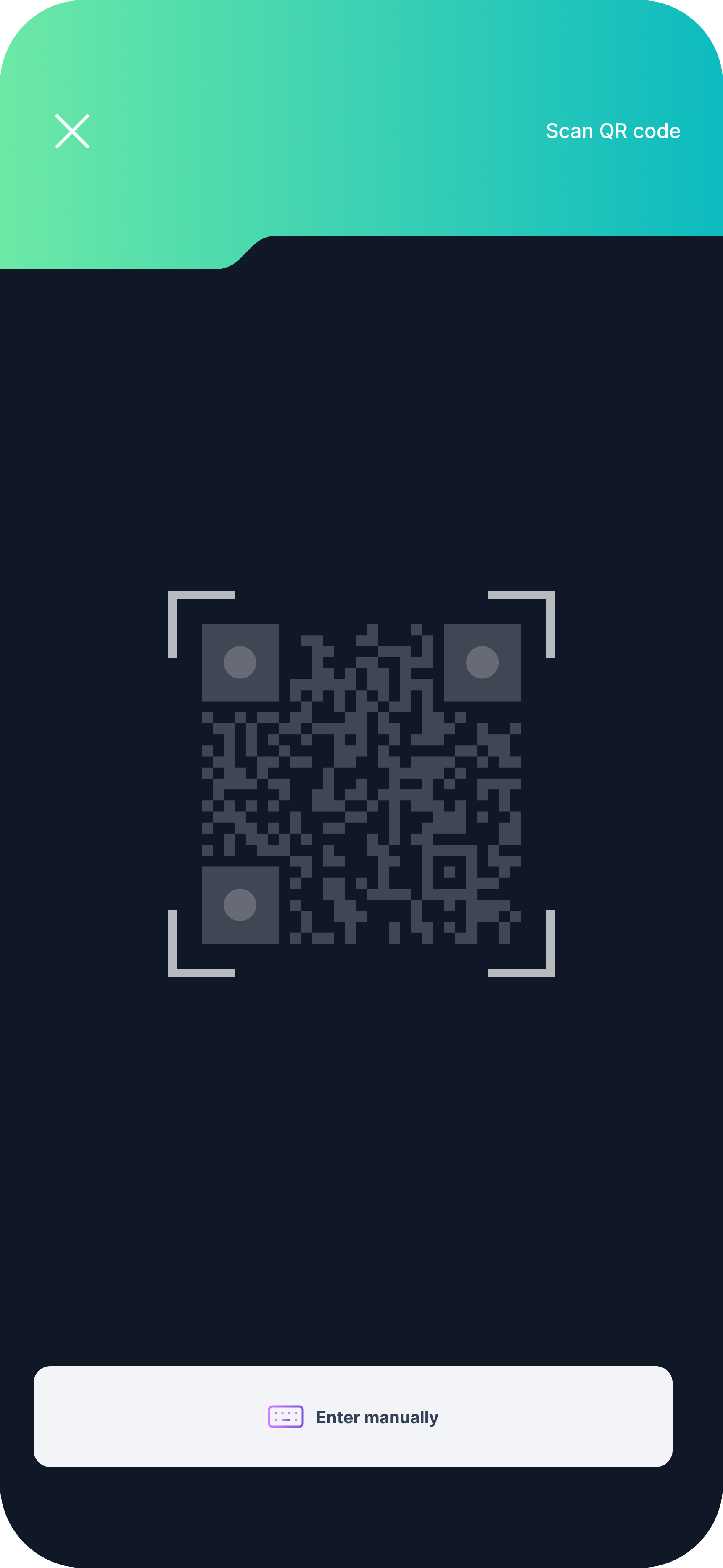
Participants pay by scanning a business's QR code or completing its payment request. The service confirms the result and handles situations such as insufficient credit, restricted spending, or inactive accounts.
Transaction records connect the participant's payment, the credit deducted, and the amount owed to the business. Settlement reports and exports help the operating team reconcile these records and arrange business payouts in the agreed currency and on the agreed schedule.
Funding, payment-provider roles, fees, and responsibility for payouts are defined before launch.
Understand how your currency is used
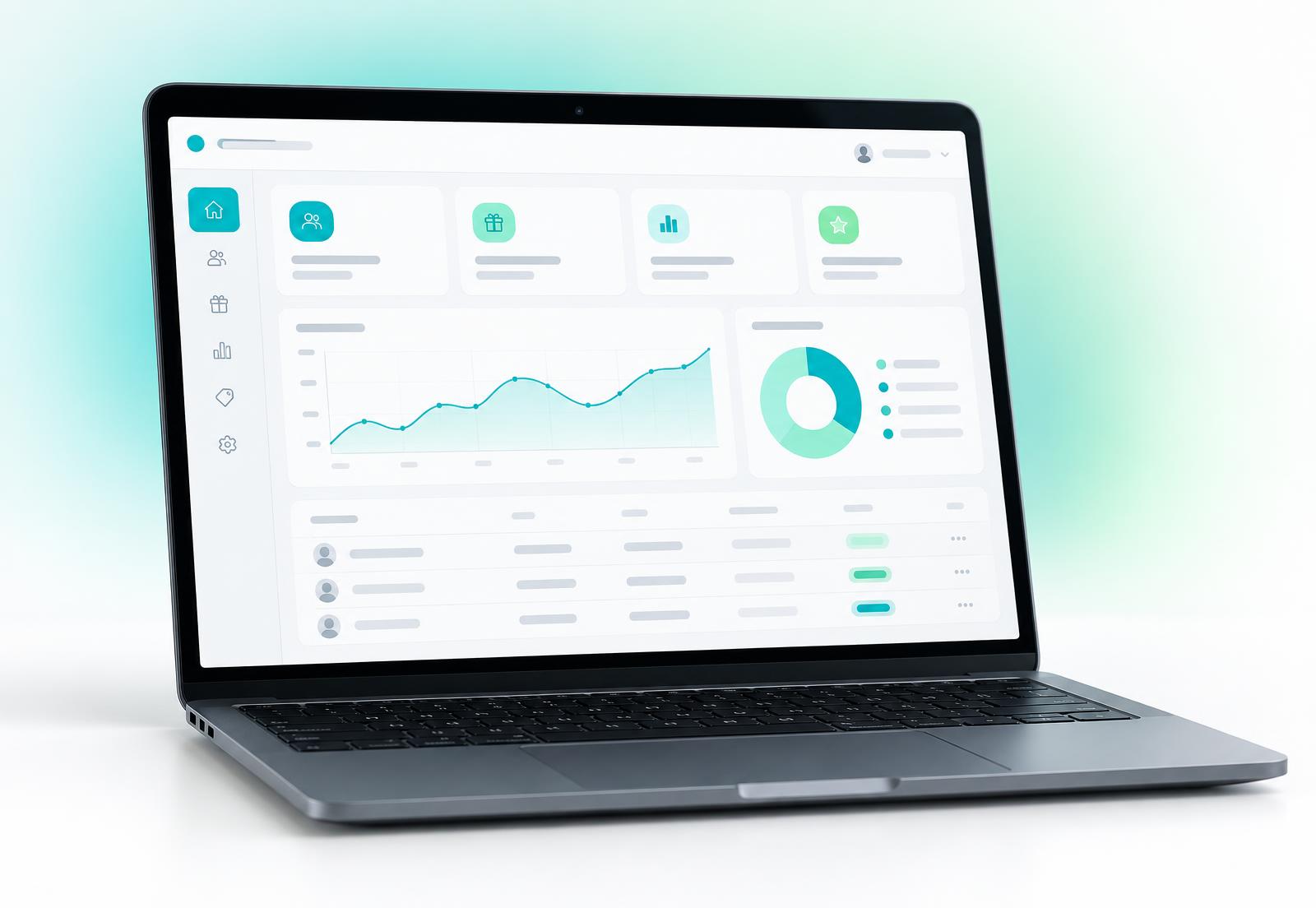
Dashboards and downloadable reports can cover:
- Registration, eligibility checks, activation, and active accounts.
- Credit provided, purchased, earned, spent, remaining, or expired.
- Payment amounts and times, participating businesses, categories, and registered business locations.
- First and repeat use, campaign activity, and payment reconciliation.
Use this information to review the offer, participating businesses, and communication. Reports cover agreed program data; standard payment records do not automatically identify individual products purchased. Wider business outcomes, such as improved retention or additional sales, require separate measurement.
Connect Ecoo to your existing services
Use Ecoo's digital service, connect to an existing app or portal, or agree on a dedicated experience under your brand. Connections can cover identity, eligibility, payments, messaging, analytics, business information, and report exports. Each connection needs an agreed interface, permitted data, testing, and a support owner.
Account verification, access permissions, transaction records, and operating logs support controlled use. Data access, security requirements, support, incident handling, and change responsibilities are agreed for the implementation.
A defined scope before implementation
We work through your audience, funding, rules, network, and reporting needs. The scope identifies existing functions, configuration, system connections, and any additional development. More complex arrangements involving several programs or funding sources are assessed separately.
The agreed user and business journeys are configured and tested before launch. Applicable market requirements and responsibilities for operating the program form part of that preparation.